Introducing Paladin Relay (Watchtower 2.15)
.png)
We’re excited to announce Paladin Relay, one of the largest updates to the Paladin system, designed for real-world Drone as First Responder (DFR) operations. Paladin Relay allows users to seamlessly switch between cellular and radio frequency modes for drone communication, allowing departments to expand situational awareness and improve video reliability. We encourage you to watch our Paladin Relay Walkthrough Video for an in-depth explanation of the updates and additions included in the Watchtower 2.15 update.
What is Paladin Relay?
Paladin Relay gives agencies the best of both worlds: the speed of radio connection when conditions allow it and the reach of cellular connection when missions require it. This update to Watchtower, our command and control software, focuses on bringing better connectivity, greater flexibility, and more options to our clients.
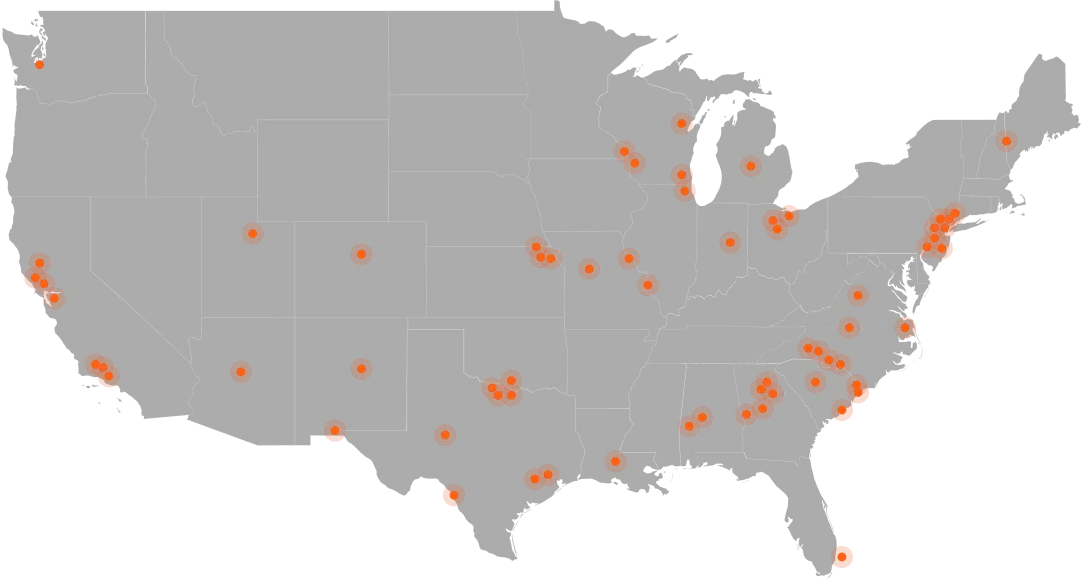
Hundreds of public safety agencies across the country use Paladin every day and each city, agency, operating environment, and mission is different. This update gives each agency more control over how its aircraft stays connected— through cellular or radio connection— allowing Paladin clients to choose the best connection for the situation rather than sending every flight through a single communication pathway.
Why Connectivity Options Matter
Any agency implementing DFR knows that connectivity is one of the most important parts of a successful drone program. If the connection is weak or unstable, the video may freeze or lose quality, which greatly impacts the ability of a Paladin system to do its job: get eyes on the scene first.
Paladin Relay puts the choice in clients’ hands to determine which connection serves them best. The quality and reliability of a connection affect:
- Live video quality
- Video consistency
- Command responsiveness
- Flight range
- Latency
- Mission reliability
- The ability to operate around buildings, terrain, and other obstructions
By being able to choose and switch easily between radio or cellular connection, agencies can pick the connection type best suited for each environment and mission and adapt to each unique call.
Cellular vs. Radio Connection: What’s the Difference?
If you’ve already been using a DFR program, you might be wondering in what scenario you would need to switch between connections. Both radio and cellular have their pros and cons: cellular connection is unaffected by barriers between the drone and its launch point, but can falter when too many people are accessing connection through the cell tower. Radio can deliver reliable, high-quality video in small towns and rural areas, but may lose efficacy when line-of-sight between the drone and dock is interrupted. Below are situations in which each connection method may be most useful to your agency.
Scenario 1: Dense Urban Environments
- The agency in this instance operates in a busy urban core, where direct line-of-sight is near impossible to maintain. Skyscrapers and other city infrastructure are abundant and unavoidable.
- Recommended connection: cellular
- Why: Cellular can maintain connectivity even when buildings or other structures interfere with a direct radio path.
Scenario 2: Clear Line-of-Sight Mission
- The pilot or launch location has a strong, unobstructed view of the aircraft for the entire duration of the flight.
- Recommended connection: Radio
- Why: A direct radio connection can provide excellent responsiveness and lower latency than cellular connection under these conditions.
Scenario 3: Mission that Begins Nearby but Travels Far
- The drone launches within range of radio connection but must fly farther away to reach the scene of an incident.
- Recommended connection: Radio, then cellular.
- Why: The agency can receive the benefits of radio immediately after launch while retaining cellular coverage as the flight path expands.
Scenario 4: External Conditions Change
- Buildings, terrain, distance, interference, or mission requirements change unpredictably during flight.
- Recommended connection: Switch between both connections as needed.
- Why: Despite the quickly changing environment, agencies are not locked into a single connection type for the whole mission— both are available and easy to access with one click.
In any case where a drone flies further than the radio connection is stable, our system will automatically switch the cellular connection to create a seamless video feed tailored to the mission at hand.
New Camera Views
In addition to expanded connectivity options, the Watchtower 2.15 update introduces support for the dock’s internal and external cameras, giving operators additional visibility into the dock environment before, during, and after a deployment. This update integrates two additional cameras on the dock: an inside view of the drone and an outside view of the dock’s surroundings. Teams can now more accurately monitor changing weather conditions, observe drone launches and landings, and maintain awareness of activity around the dock directly within Watchtower.
The Best Connection for Every Mission
At Paladin, we believe that agencies should have flexibility in how they operate their DFR program. With Paladin Relay, clients are not locked into a specific connection type, giving clients the opportunity to use radio when there is strong line of sight, switch to cellular when the aircraft needs to travel farther or operate around obstacles, and move between the two as conditions change. Along with additional camera views and 5G connectivity, these enhancements give operators greater confidence, improved visibility, and a more complete view of every mission from launch to landing. For more information on implementing DFR in your agency, book a free demo with the Paladin team. Never be forced to operate a certain way, let Paladin give your agency the freedom it needs for adaptable, successful DFR missions.